
Get started
Sands documentation
Sands is an AI teammate for project work. Hand it a brief, a question about your projects, or a change to make, and it does the work in your tools, showing every step it takes.
Start here
Intro to Sands
What Sands is, how it works as an AI agent, and the key ideas.
Quickstart
From sign-up to a plan in your project tool in about ten minutes.
Use cases and guides
Guides for product, engineering, marketing, operations, agencies and more.
Capabilities
Everything Sands can do, and what each works with.
How Sands works
Runs, steps, receipts, and why every claim shows its evidence.
Plans
Turn a brief into a plan you can edit like a document and send to Jira, Linear or Asana.
Approvals
Choose when Sands asks before it changes anything in your tools.
What Sands is
Sands works like a teammate who runs project work with you. You hand it work in plain language, in the web app or in Slack, and it gets it done in the tools your team already uses: it reads your boards, drafts plans, checks project health, builds hours reports, and creates, assigns, moves and comments on work.
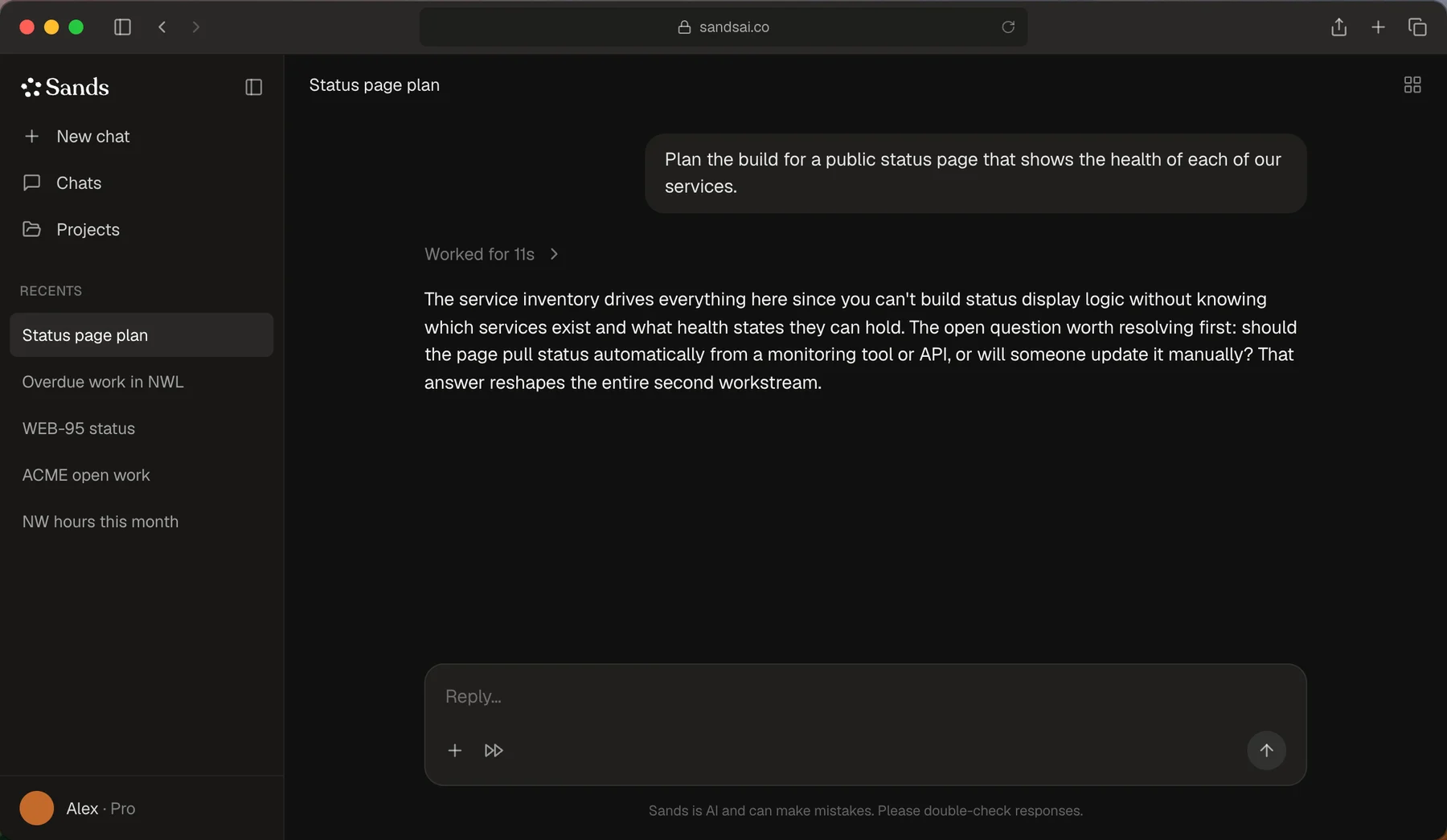
Sands is an AI agent. It is not a person and not a chat window you copy answers from. For each request it works out the steps, uses your connected tools to take them, checks what happened, and reports back with things you can use: a plan document, a ticket in Jira, a message in Slack, a table for an invoice. Every reply shows those steps, so you can see what Sands read and what it changed. See Intro to Sands.
What you can do with Sands
| Job | What Sands does | Read more |
|---|---|---|
| Plan a project | Drafts a plan from your brief: goal, capacity, workstreams, a ticket table, risks, key dates and open questions. | Plans |
| Send work to your tool | Creates the plan in Jira, Linear or Asana after showing exactly what it will create. | Sending |
| Check on a project | Reads the board live and answers with the numbers it found. | Health and retros |
| Bill a client | Builds an hours table from Jira worklogs that pastes cleanly into an email. | Hours reports |
| Work the board | Creates, assigns, moves, edits and comments on tickets from the conversation. | Integrations |
| Keep the team posted | Reads Slack channels and sends messages; answers when you mention @Sands. | Sands in Slack |
| Research | Searches the web and answers with sources. | Web research |
Integrations
What you can count on
- Numbers come from your tools. Health checks, retros and hours tables are computed from what Sands read, never estimated.
- Changes follow your approval mode. Riskier changes, like creating a project or sending a whole plan, pause for your OK by default.
- Nothing runs twice. Re-sending a plan or retrying a request never duplicates work.
- Everything links back. Tickets, projects and messages Sands creates are linked so you can open them.
Sands is in beta
Sands is in private beta. Things change quickly; the changelog lists every change as it ships. If something looks wrong, use the feedback button at the bottom of the sidebar or see Help and FAQ.